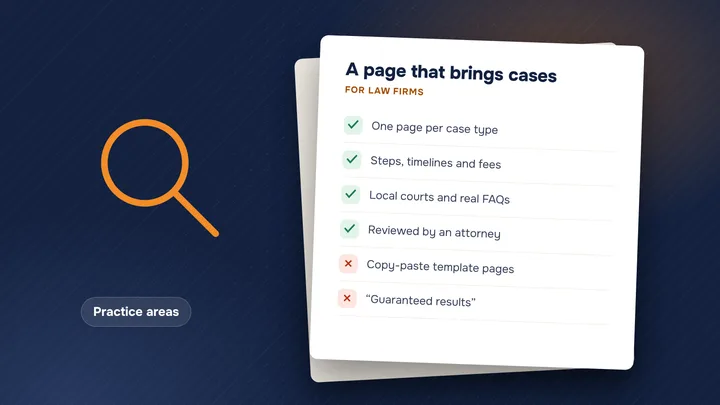
- Build a city page only when you have something real to say about that city.
- Pages that only swap the city name are what Google calls doorway abuse.
- List an address on Google only where your firm really works and meets clients.
When city pages help
People often search with a place in mind: “DUI lawyer Riverside,” “tenant attorney near Van Nuys.” A page about your work in that city can match those searches better than a general homepage.
In our experience, city pages help most when:
- You have an office in that city, or attorneys who go to court there often
- You handle a real number of cases for people who live there
- There is local detail that matters to the client: which courthouse, which agency, which roads
Do this: list the cities your signed cases came from last year. That list, not a map of every town in the county, is where city pages make sense.
When they become doorway pages
Google’s spam policies say doorway abuse is when pages are “created to rank for specific, similar search queries.” One of Google’s examples is “pages targeted at specific regions or cities that funnel users to one page.”
For law firms, this usually looks like 50 pages that say the same thing, with only the city name changed, each pushing visitors to the same contact form. Other signs:
- Cities where you have no office, no clients and no court appearances
- Text that would read the same if you swapped in any other city
- Pages that aren’t linked from anywhere on the site except the footer
Do this instead: if a page would be useful to nobody except a search engine, don’t publish it.
What a real city page has
A good test: could a person who lives there learn something useful from the page? A real city page usually includes:
- Your office, if you have one there: address, parking, hours
- The courthouse where these cases are heard, and what to expect there
- Local facts that matter to the case: busy intersections for crash cases, the local police or sheriff station for criminal defense, the local rent rules for tenant cases
- The case types you actually see from that city
- Directions from main roads or transit, or a note that you meet clients by video
- The attorney who handles cases there, with a photo and short bio
Check every local fact. A wrong courthouse address costs more trust than no page at all. Since your site counts as advertising, follow the California advertising rules on these pages too.
Do this: write each city page from scratch. If you find yourself copying a paragraph from another city page, that paragraph probably doesn’t belong on either.
How many to make
There is no right number from Google. In our experience, a small firm with one office usually needs a handful of city pages, not dozens. Start with:
- The city where your office is
- Two to five nearby cities where many of your clients live
- Any city where you have a second office
Add more only when you can write a real page for each. Five real city pages are worth more than fifty copies.
Do this: finish strong practice-area pages first. City pages work best when they support good practice pages, not replace them.
How to link them
City pages should be part of the site, not hidden in it. In our experience, this setup works well:
- A “Locations” or “Areas we serve” page that links to each city page
- Each city page links to the practice areas you handle there
- Practice-area pages link back to the city pages that matter, in plain words like “our Pasadena office”
- Each office’s Google Business Profile links to its own city page, not the homepage
Do this: if a city page only shows up in a long footer list, it is probably not useful enough. Link to it where a reader would want it. Our 12 pages every law firm website needs shows where location pages fit.
Google Business Profile rules for locations
A city page and a Google Maps listing are different things. A city page can describe where you serve. A Business Profile needs a real place. Google’s Business Profile guidelines say:
- A virtual office – an address you rent “but doesn’t operate out of” – “isn’t eligible for a Business Profile.”
- P.O. boxes and remote mailboxes “aren’t acceptable.”
- A co-working office only counts if it has clear signage, receives customers during business hours and is staffed by your own people during business hours.
- You can have one profile per location with separate staff, and no more than one page for each location.
- Lawyers count as individual practitioners and may have their own profile if they can be contacted at the verified location during stated hours.
In our experience, address problems are a common reason law firm profiles get suspended. See what to do if your profile is suspended.
Do this: list only offices where your team really works and meets clients. Serve the other cities with honest city pages and your service area.
Want help with this? See SEO for law firms.
Sources
Are your city pages helping or hurting?
Check your website free in 30 seconds and get a plain list of what to fix.

Sevag is the founder of araRank and a web developer with 6 years in law firm marketing and SEO. He builds every site we make, from Los Angeles.
About Sevag →